
How to Identify the Traffic That Really Matters in GA4
Looker Studio dashboards (formerly Data Studio) with Google Analytics 4, designed to drive real-world decisions, not just to accumulate metrics.
The problem isn’t having low traffic in GA4
The problem is not knowing how to identify quality traffic in GA4.
The thing is, you don’t know which one is actually useful.
GA4 tells you how many sessions you have, where they come from, how long they last…
but when it comes time to make a decision:
Which scalar channel?
What content should I repeat?
¿qué página está frenando conversiones?
The data isn’t responding.
And no, it’s not your fault. It’s because of how the data is used (and presented).
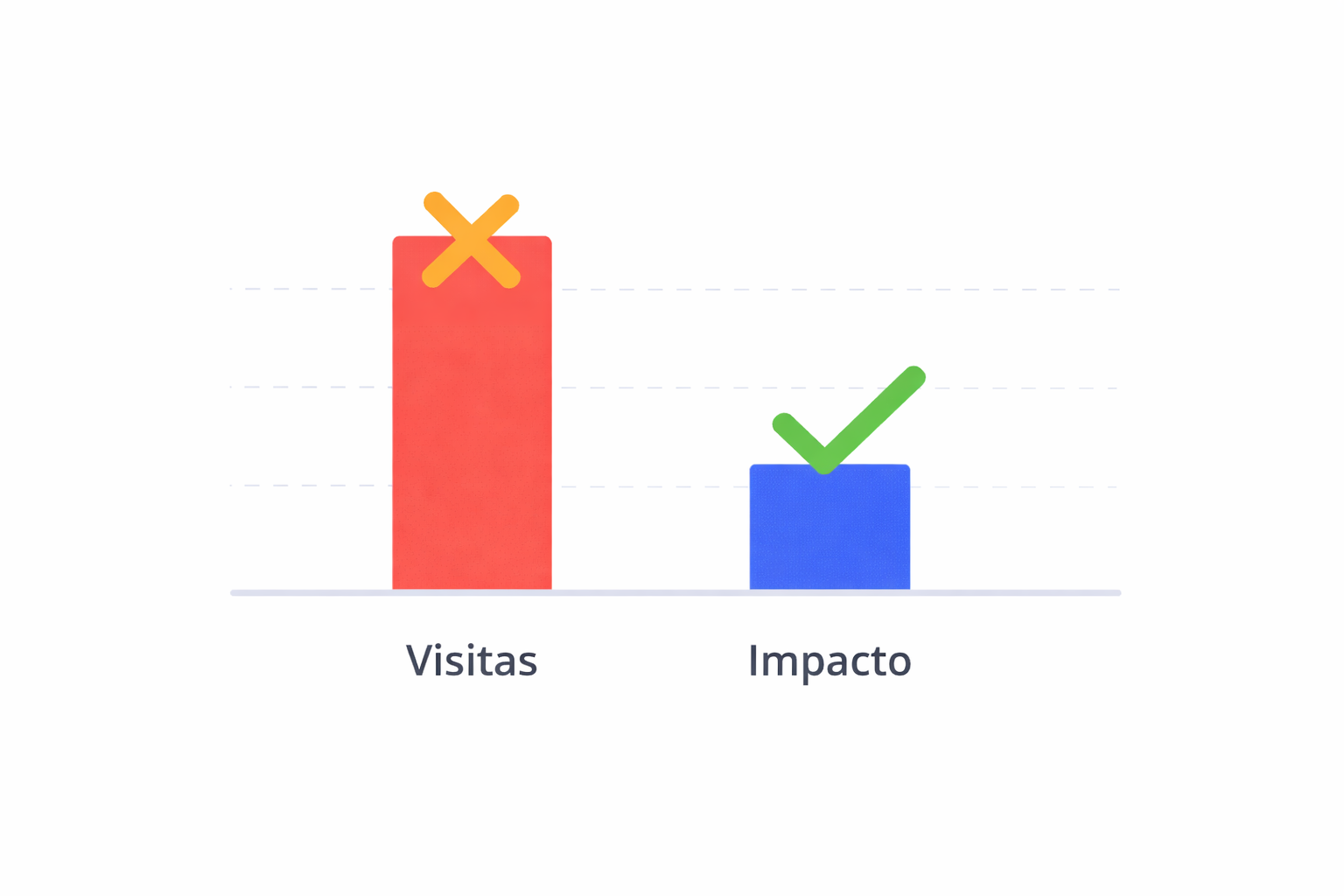
The Big Mistake in GA4: Measuring Visits Instead of Impact
Most GA4 reports focus on:
sessions
users
page views
average time
These metrics are easy to read and look good on a dashboard… but they don’t tell you whether that traffic is driving business.
A typical example:
Organic traffic is on the rise
The blog “works”
But the number of leads isn’t growing
Is that traffic good?
GA4, as most people use it, doesn’t make that clear.
What Does “Quality Traffic in GA4” Really Mean?
Traffic is considered valuable if it fulfills at least one of the following functions:
Convert (sales, leads, sign-ups)
Guide the user toward conversion
Optimize the pages that actually convert
Reduces friction in the funnel
It’s not the one that fits the most.
It’s the one that best aligns with your goals.
Why GA4 Doesn’t Make It Easy for You
GA4 isn’t “bad.” It’s just incomplete if used out of context.

Common problems:
Events that are poorly defined or too general
Conversion viewed as an “all-or-nothing” proposition
Channels analyzed without cross-referencing them with content
Journals evaluated solely on the basis of volume, not impact
Result:
- attractive dashboards
- poor decisions
The questions that a useful report SHOULD answer
If a report does not answer this question, it is not useful for making a decision:
Which channels drive users who convert?
Which pages generate conversions even if they aren’t closed?
What kind of content attracts traffic that doesn’t lead to any action?
Where do the users who actually intended to use the service end up?
What is growing… and why?
These questions cannot be answered with a session chart.
Real-world example of traffic analysis in GA4
Imagine this situation:
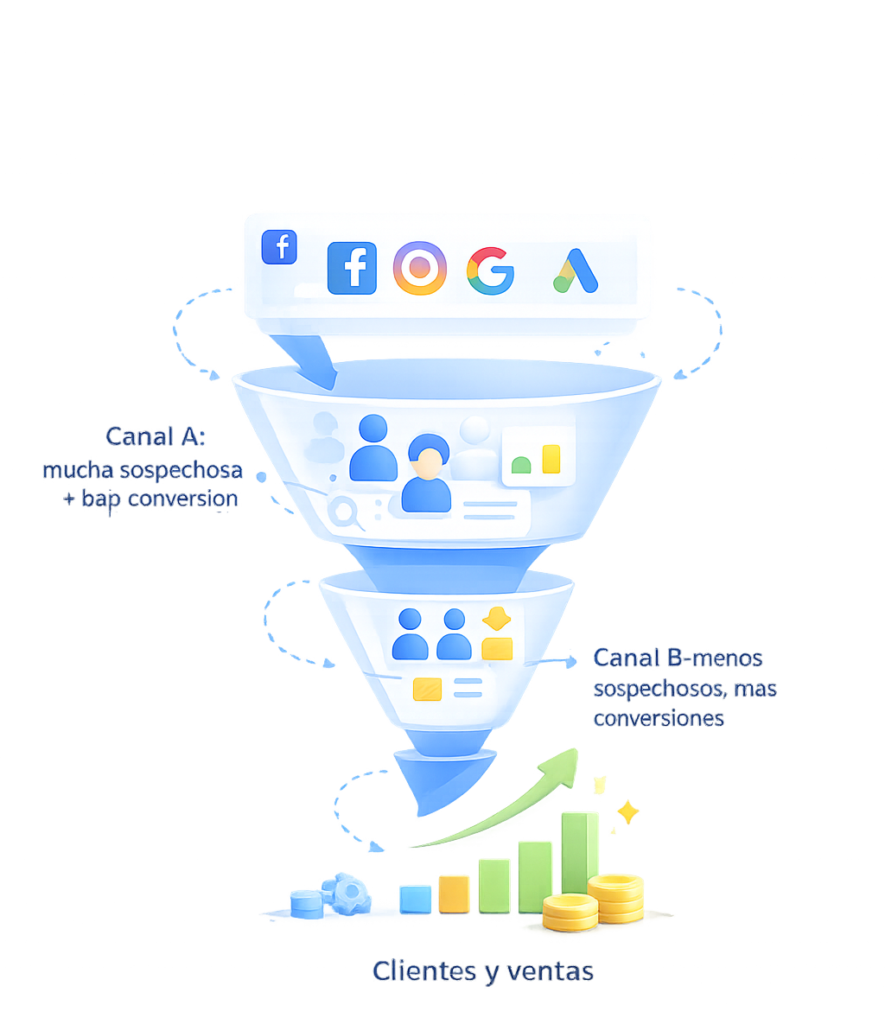
Channel A: many sessions, low conversion rate
Channel B: Fewer sessions, high conversion rate
Channel C: moderate traffic, but drives subsequent conversions
If you only look at volume:
- you would scale channel A (error)
If you analyze behavior and goals:
- you invest in B
- optimizes C
- check or trim A
“Good” traffic isn’t always the most visible.
This is the type of analysis we use in our Looker Studio templates for GA4 (formerly Google Data Studio), which are designed so you can replicate them without having to start from scratch.
How to Identify the Traffic That Really Matters
A useful analysis should include at least:
Channel × conversion
Page × Goal
Content × Behavior
Traffic × Intent
And above all:
- distinguish vanity metrics from actionable metrics
This is exactly what most standard reports fail to do.
What sets our GA4 reports apart
The GA4 – Content & Traffic report isn’t designed for “viewing data,” but for making decisions.
Analysis:
What kind of traffic provides real value?
What content drives (or hinders) goals
Which pages receive traffic without generating any results?
how behavior changes when comparing periods
All with a focus on:
- what’s worth repeating
- what needs to be corrected
- what you should stop doing
No filler metrics.
Who is this type of analysis intended for?
Businesses that already have traffic but no clear results
Marketing teams tired of reports that don’t lead to action
Projects that aim to scale using data, not intuition
If you just want to “track visits,” you don’t need it.
If you want to make better decisions, you do.
Frequently Asked Questions
Will this work even if I don't get much traffic?
Yes. In fact, it’s even more important when traffic is limited, because every user counts.
Isn't GA4 enough on its own?
GA4 is the tool. The value lies in how the data is interpreted and cross-referenced.
How often should you get tested?
It depends on the volume and the business, but a monthly basis is usually the most useful for identifying actual trends.
Is it just for e-commerce?
No.
Works for:
ecommerce
lead generation
services
content projects
The approach is the same: intent-driven traffic vs. low-quality traffic.
Conclusion (without trying to sell you anything weird)
The difference isn’t in having more traffic, but in knowing which traffic matters
GA4 can provide you with a lot of data, but without context, it won’t help you make decisions.
Measuring visits isn’t the same as measuring impact, and that’s where most reports fall short.
A good analysis doesn’t tell you “what happened”; it tells you what’s worth repeating, what needs to be corrected, and what to stop doing.
If you want to stop looking at pretty charts and start making informed decisions, you need a report designed for that purpose.

